


Quick Summary
To spot misleading beach rental listings, check photos with reverse image search, confirm the real walking distance to the sand on a map, and compare the total checkout price with similar stays. Keep all messages and payments on the booking platform and ask for the full street address before you pay.
- Ask for a recent, unedited photo taken from the spot where you would arrive.
- Use map search and street view to check for roads or walls between the property and the water.
- Be wary of listings that copy photos reused across different names.
- Compare total prices for your exact dates, since cleaning and service fees are often added at checkout.
- Never pay by bank transfer to a host you have only chatted with online.
Table of Contents
- Why Beach Rental Listings Mislead Travelers
- Red Flags That Signal a Vacation Rental Scam
- How to Check If a Vacation Rental Is Legitimate
- Verifying Photos, Location and Beach Access
- Spotting Fake Rental Agreement Warning Signs
- Uncovering Hidden Fees in Vacation Rentals
- Booking Your Beach Stay Safely With Fumba Town Apartments
- Frequently Asked Questions
Why Beach Rental Listings Mislead Travelers
Last Updated: November 18, 2026
Planning a beach stay in Zanzibar means trusting photos and descriptions you cannot touch or walk through first. We know how easy it is for a listing to promise more than the property delivers. Learning how to spot misleading beach rental listings protects your money and your holiday.
Many listings use wide-angle photos taken from the best angle, at the best time of day. A “beachfront” label can also mean a property sits across a road, behind a row of buildings, or a short walk from the sand. Travelers who skip these checks often arrive to a very different view than the one they booked.
Here is what usually goes wrong:
- Photos show a pool, sea view or beach that belongs to a neighbouring property
- The word “beachfront” is used loosely for any property near the coast
- Amenities listed in the description are missing or only shared with other guests
- Prices look low until cleaning, service and booking fees are added at checkout
Watch out: never pay by bank transfer to a person you have only chatted with online. Money sent that way is very hard to recover.
Red Flags That Signal a Vacation Rental Scam
Some warning signs appear again and again in fake or misleading listings. Learn them before you enter any card or bank details.
- Price far below similar properties nearby for the same dates
- Pressure to pay or chat outside the booking platform
- Requests for a deposit by payment app, gift card or wire transfer
- Very few reviews, or reviews that all sound alike
- Photos that appear on several other listings under different names
- Vague answers when you ask for the exact street address
- A host who cannot explain the neighbourhood or nearest beach access
A common approach scammers use is a message that says “urgent, another guest is interested.” Treat that pressure as a warning sign, not a reason to rush.
How to Check If a Vacation Rental Is Legitimate
Use a simple process before you book. Each step takes only a few minutes.
- Confirm the host identity. Check the profile date, review history and whether the host responds quickly.
- Read the full listing. Look for the property address, room count, and a clear list of what is included.
- Search the address on a map. Make sure it matches the location you were shown.
- Compare the price with similar stays nearby on the same dates.
- Keep all messages and payments on the booking platform.
For more on how to check a host’s record, see Federal Trade Commission guidance on rental and travel scams. Official consumer advice like this helps you spot patterns that are easy to miss in a single listing.
The steps below cover what to check before booking, with the time each one takes.
| Step | What to do | Time |
|---|---|---|
| Confirm the host identity | Check profile date, review history and response speed | A few minutes |
| Read the full listing | Look for the address, room count and included items | A few minutes |
| Search the address on a map | Make sure it matches the location shown | A few minutes |
| Compare the price | Check similar stays nearby on the same dates | A few minutes |
| Keep messages and payments on the platform | Avoid paying outside the booking site | Throughout booking |
Verifying Photos, Location and Beach Access
Photos and maps are your best tools for checking a beach rental, but most travelers stop at a quick glance. Use a step-by-step process that confirms not just the property but the beach itself.
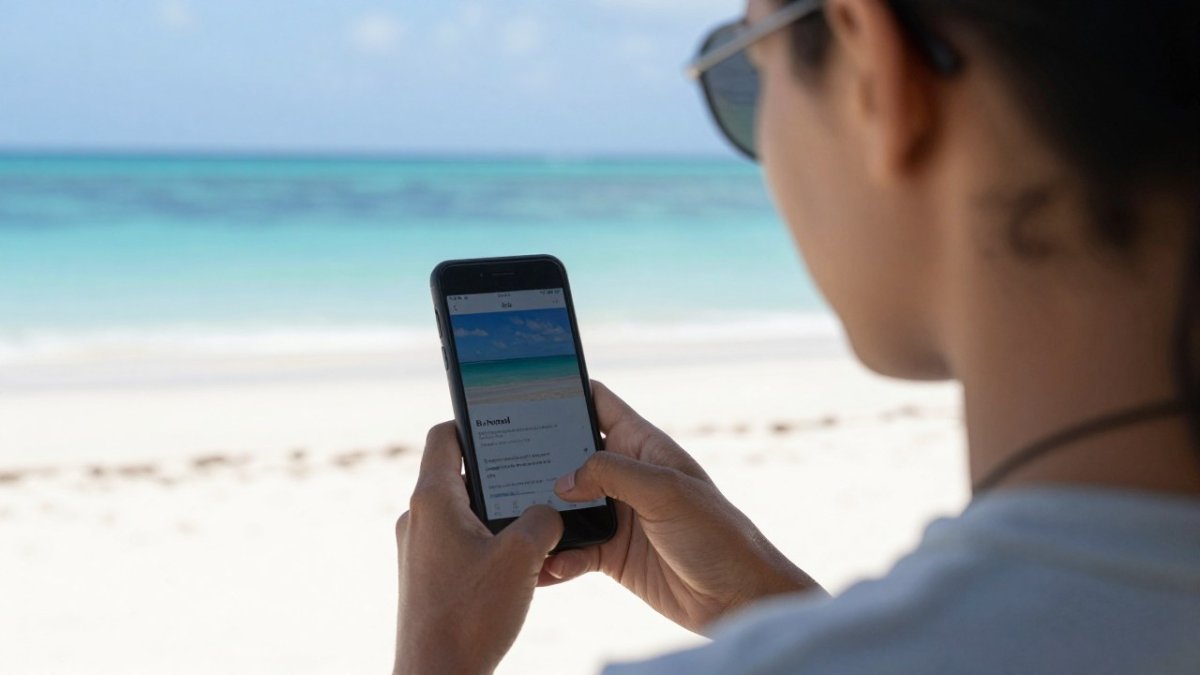
First, treat every photo as a claim to be tested. A wide-angle shot taken from a balcony can make a property look beachfront when it sits across a road or behind another building. Ask the host for a recent, unedited photo taken from the same spot at the same time of day you would arrive. If they hesitate, that is a signal.
Using Map Search and Street View to Confirm Distance to the Beach
Map search shows the real walking distance between the property and the sand. Street view lets you walk the route in your browser. Check for roads, walls, railway lines, or busy streets between the building and the water. A listing that says “beachfront” should have no such barrier. If the map shows a road or a row of buildings, the beach is nearby but not frontage.
Also verify the shoreline itself. Beach access can be private, shared, or public, and some stretches are closed seasonally due to erosion, storm damage, or nesting wildlife. Ask the host: Is the beach access private, shared, or public? Are there tides or seasonal conditions that change the beach? A common pattern is for listings to show a wide sandy beach that shrinks to a narrow strip at high tide or after seasonal storms.
Checking Photos With Reverse Image Search
Reverse image search shows where else a photo appears online. Upload a photo to a search engine and look at the earliest results. If the same pictures show up on listings in different places, be cautious. A common pattern is for scammers to copy photos from a real property and reuse them under different names. Also compare the photos across platforms: the same property should look consistent on the booking site, the host’s own website, and any review photos.
Verifying the Property Address and Location
Ask for the exact street address and search it on a map. Make sure it matches the location shown in the listing. If the host gives only a neighborhood or a landmark, ask for the full address in writing. Cross-check the address against local tourism registration lists where available.
Watch out: a host who cannot or will not provide a full street address before you pay is a major red flag, even if the photos look perfect.
Spotting Fake Rental Agreement Warning Signs
A real rental agreement is clear and complete. Check it carefully before you pay.
- The owner or manager name matches the listing
- The property address is written out in full
- Check-in, check-out and cancellation terms are stated
- Deposit amounts and refund rules are written down
- Payment goes through a traceable method
Be wary of agreements that come as a scanned image only, or that ask you to sign and return them by email with payment to a personal account.
Uncovering Hidden Fees in Vacation Rentals
The nightly rate is rarely the full cost, and beach rentals often carry fees that are not obvious until checkout. Booking platforms often add cleaning, service, and sometimes resort or parking charges at the final step. To compare listings fairly, you need the total price for your exact dates, not the headline rate.
Here is how to uncover the real cost before you book:
- Ask for a full quote in writing that includes cleaning fee, service or booking fee, taxes, resort fees, parking, and any security deposit.
- Check whether utilities such as electricity or water are charged separately, which is common in some beach properties.
- Confirm the deposit amount, how it is held, and the refund timeline after your stay.
- Ask about extra charges for late check-in, airport transfers, or beach equipment rental.
A common pattern is for a cheaper listing to cost more once every fee is added. Compare the total checkout price for your exact dates across at least three similar properties. If a host will not provide a total in writing before you pay, treat that as a warning sign.
Watch out: some listings show a low nightly rate but add a large cleaning fee that is charged per stay, which can make a short booking disproportionately expensive. Always calculate the per-night total after all fees.
Booking Your Beach Stay Safely With Fumba Town Apartments
At Fumba Town Apartments, our fully furnished beachfront apartments sit inside a 24-hour gated community, about 20 minutes from Zanzibar airport. Direct beach access and Indian Ocean views are part of what we offer, along with an on-site infinity pool, spa and fitness centre.
If you want to confirm what you are booking, Zanzibar Commission for Tourism guidance for visitors is a useful official reference for travel information in the islands.
Every stay can be checked before you arrive. Ask us about the beach path, the total cost and the house rules, and we will answer in writing. Get in touch with Fumba Town Apartments to plan a stay you can trust.
Frequently Asked Questions
How can you tell whether beach rental photos are misleading?
Look for photos that show no people, no reviews of the photos themselves, or views that seem too perfect for the price. Run the main image through a reverse image search to see if it appears on other sites under different names or locations. Ask the host for recent photos taken in daylight, including the view from the balcony and the walk to the beach. If the host refuses or sends images that do not match the listing, treat that as a warning sign. Compare the photos against satellite imagery to confirm the property sits where the listing says it does.
What should you verify about a rental’s beach access and location?
Confirm the exact property address and plot the beach distance on a map search, then check street view for the walking route. Being across the road from the sea is very different from having direct beach access, so ask whether you must cross a road or private land. Check whether the beach is accessible at high and low tide and whether there are any gates or restricted areas. Ask the host about seasonal conditions, such as seaweed, erosion or rainy-season flooding, that could affect your stay.
What fees should you check before booking a beach rental?
Ask for the total price including cleaning fees, service charges, taxes, booking fees and any deposit. Confirm whether airport transfers, pool or spa access, Wi-Fi and parking are included or charged separately. Check the cancellation and refund policy in writing, including what happens if the property is unavailable on arrival. Compare the nightly rate with the total cost for your full stay, since a low headline price often hides large add-ons. Request an itemized quote before you pay.
What is the safest way to pay for a vacation rental?
Pay through the booking platform or a documented payment method that gives you a record and some protection. Avoid wire transfers, gift cards and payment apps to individuals, particularly when the host asks you to move the conversation off the platform. Be cautious of urgent payment requests or discounts for paying privately. Keep screenshots of the listing, messages and receipts in case you need to dispute a charge or report a scam.

